1 + 1[1] 2AIS Doctor offers customized data scraping and analysis consulting services for young scholars ,Ph.D students, and small businesses. We have a dedicated team who will take care of your needs and help you with your project.
Do you spend a significant amount of your budget for collecting data? If so, there might be a more efficient way to do that by leveraging r or Python.
For data in simple format or smaller size, the simplest approach is to copy and paste.
Websites like Yahoo finance, Google Trends, Reddit, and many others have public APIs that facilitate data collection using open source software and API keys.
R is a powerful tool for beginners looking to explore various tasks such as performing mathematical calculations, creating new calendars, and printing dates. With R, you can easily carry out basic math functions (like addition, subtraction, and more advanced operations), manage dates, and format them in different ways. By using functions like Sys.Date() for the current date, seq.Date() to create sequences of dates, or libraries like lubridate, you can manage time-related data effectively. R’s flexibility makes it accessible for learners to experiment and learn.
1 + 1[1] 2## print a string
str <- "hello, my friends!"
print(str)[1] "hello, my friends!"## show us the date for today
format(Sys.Date(), "%c")[1] "Wed Oct 9 00:00:00 2024"# install.packages("calendR")
library(calendR)~~ Package calendR
Visit https://r-coder.com/ for R tutorials ~~calendR() # Defaults to current year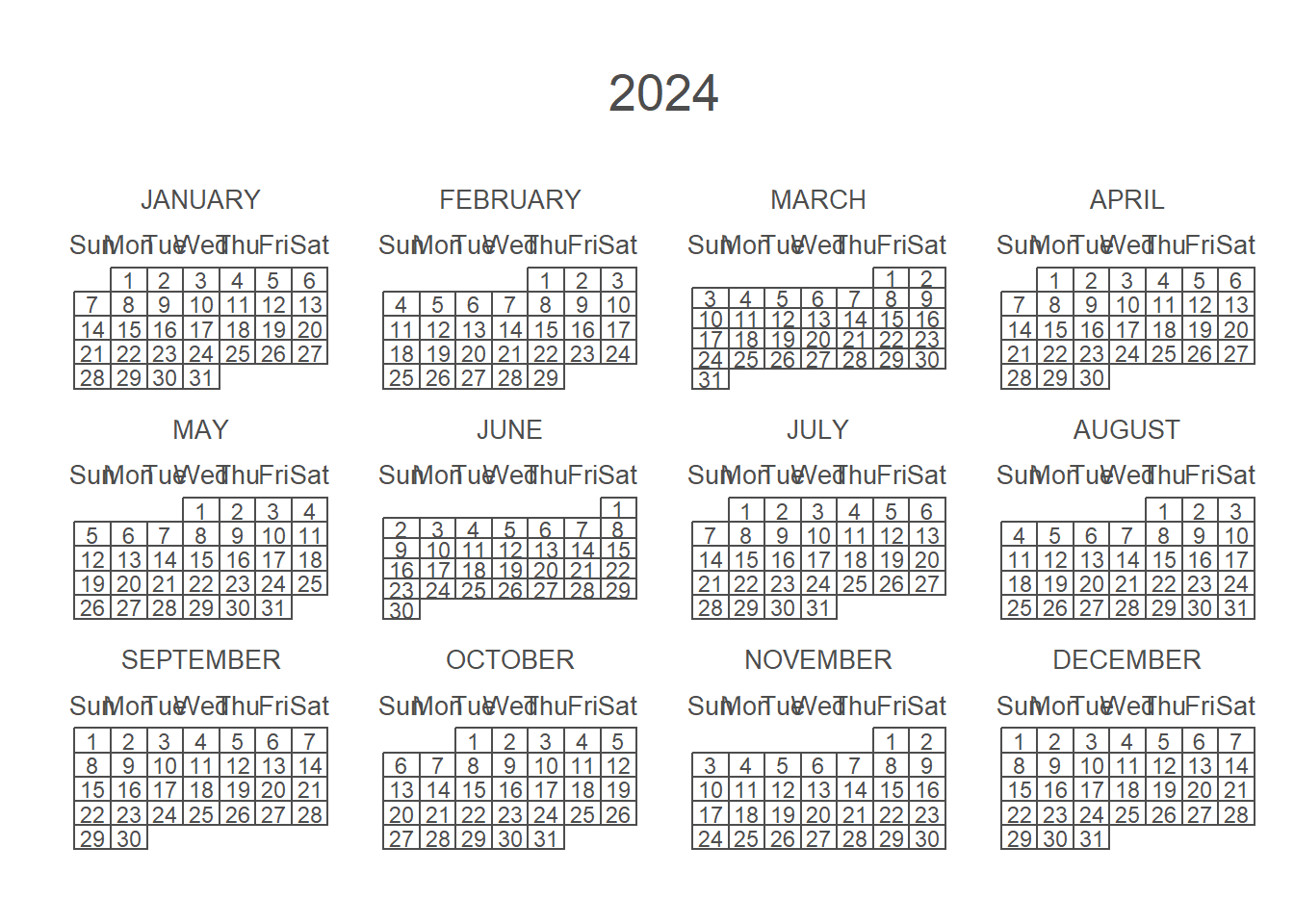
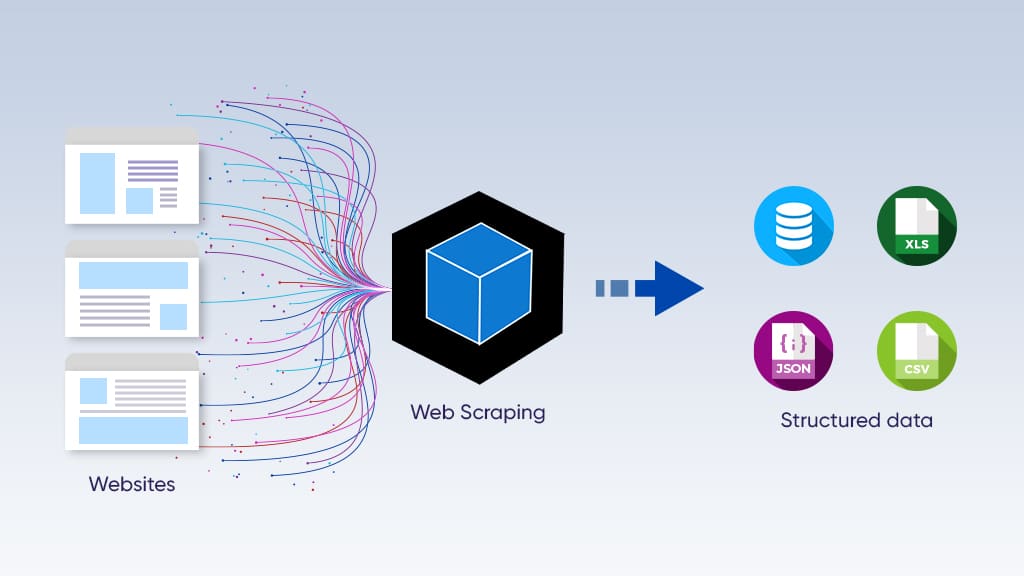
rvest is very similar to the Python library of beautifulsoup for Python users. Below is an example of collecting top news from Sina.com and display the top 6 results from the data.
You will need some basic knowledge of how html works.
In this tutorial, we used rvest, the dplyr packages, and a few lines of syntax to scrape the top news.
library(rvest)
library(dplyr)
Attaching package: 'dplyr'The following objects are masked from 'package:stats':
filter, lagThe following objects are masked from 'package:base':
intersect, setdiff, setequal, unionIn this example, we used R to scrape headlines from a finance website (Sina). First, I defined the URL of the site and read the webpage content using the read_html function. Then, I identified the specific HTML elements (headlines) I wanted by using a CSS selector (a.linkNewsTopBold). Finally, I extracted the text from these elements and displayed the first few headlines using the head function.
In R, we can use html_elements along with the CSS selector to identify html elements. Here, “a.linkNewsTopBold” is the html elements associated with the top news at finance.sina.com.cn. Please keep in mind that these elements may change over time.
We can then export the data to a text file and use it for other purposes. You may find the complete dataset here: https://github.com/utjimmyx/workshop/blob/main/sina_news.txt
# Define the URL
url <- "https://finance.sina.com.cn/"
# Read the webpage content
webpage <- read_html(url)
# identify the html elements using the css selector first
headlines <- webpage %>%
  html_nodes("a.linkNewsTopBold") %>% # adjust the selector based on the HTML structure
  html_text()
head(headlines)
[1] "节后经济形势座谈会 哪些信息值得关注"
[2] "指数巨量回调 两市成交额超2.9万亿元"
[3] "直播中国牛市!"
[4] "国家发改委:出台有力有效系列举措 努力提振资本市场"
[5] "紧扣\"两强两严\"目标 Q3对291起违法违规采取监管措施"
[6] "我国计划2026年底基本建成国家数据标准体系" By leveraging the power of R and open source libraries, you can analyze text data and examine the sentiments and the meaning of textual data in real time. You can also analyze the sentiments of news articles by scraping articles in batch.
Well, R offers you encough flexibility when it comes to App development as well. For instance, you can leverage R and R Shiny (an advanced web API framework) for user-friendly Apps.
Below is a screenshot of an App that lets you scrape LinkedIn jobs and was built using R and R Shiny by us.
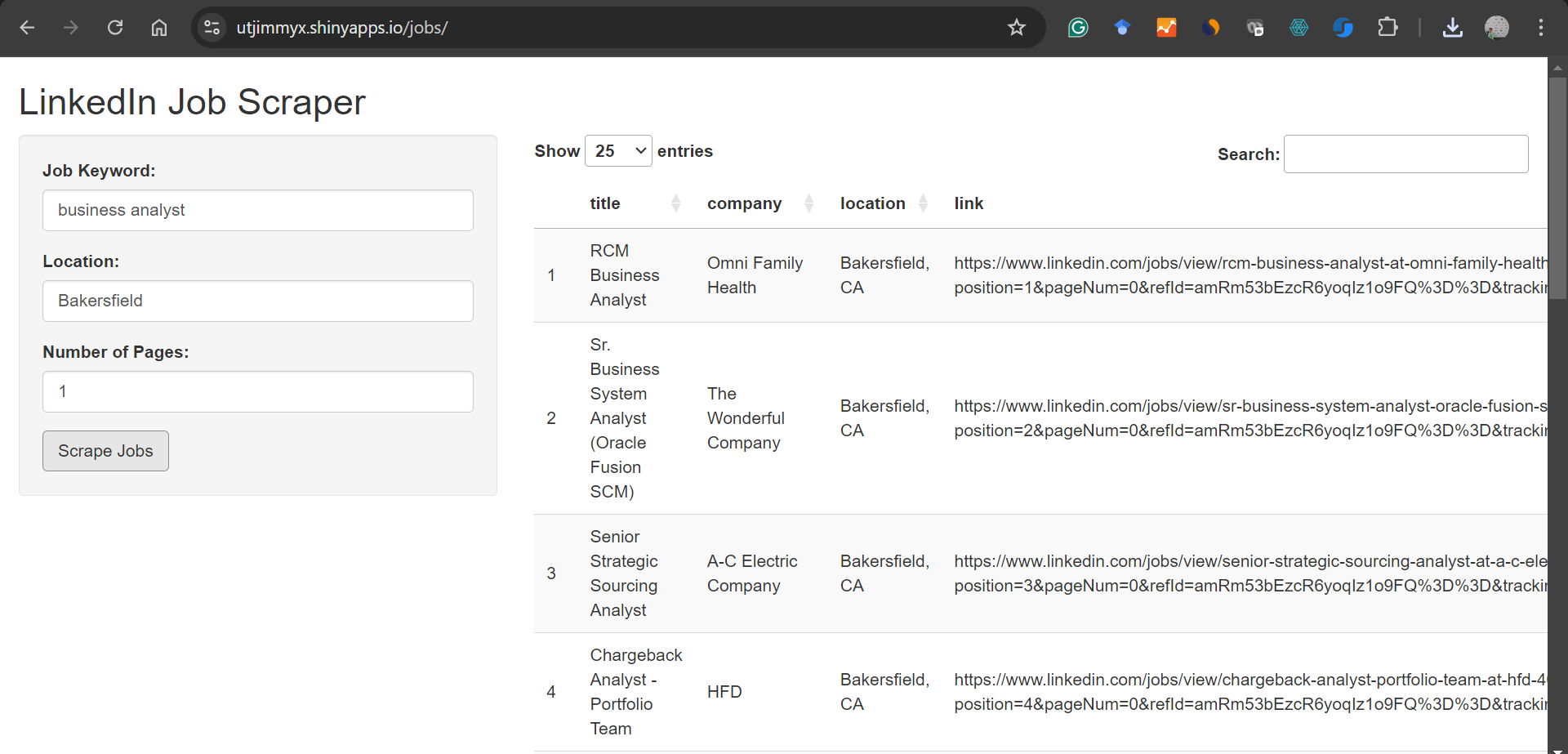 You can visit the App available here: here:https://utjimmyx.shinyapps.io/jobs/
Note: refresh if the server is busy.
At AIS Doctor, we offer customized services in data scraping and analysis. We thank you for your time and effort. Let us know your data collection needs and will help you!
calendR. https://github.com/R-CoderDotCom/calendR
Web scraping using R. https://r4ds.hadley.nz/webscraping
Quarto - Using R - Overview. https://quarto.org/docs/computations/r.html